You can hide imperfections in specific areas of an image by blurring.
To Blur an Area of a Photo:
Blur Options
|
Brush Options drop-down menu |
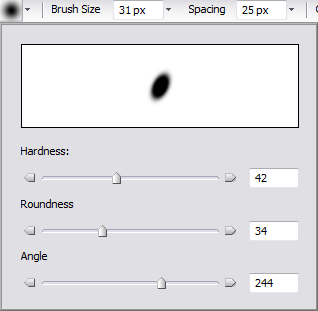
Select Brush Options:
|
|
Brush Size |
Click the arrow beside the Brush Size box and drag the slider to the left or right until the brush or nib is the desired size. |
|
Spacing |
Click the arrow beside the Spacing box and drag the slider to the left to create a smooth, continuous stroke and to the right to create a dotted stroke. |
|
Pressure |
Click the arrow beside the Pressure box and drag the slider to the left to reduce pressure and to the right to increase pressure. Changing pressure changes the amount of blurring |
|
Mode |
Choose a Mode setting to determine how the brush will interact with the image. |
|
Fade drop-down menu |
From the Fade drop-down, select fade options:
|
|
Within |
Specifies the percentage of how fast the brush will fade. |